YOUR DESKTOP HERE

Geek talk.

Moderators: Dex, smash

smash
Posts: 1332
Joined: 06 Aug 2006 03:43
Location: Cloud 6
Contact:

Post by smash » 12 Oct 2006 23:26

How do you get independant .jpgs on each monitor? I've had no luck discerning how to do that.

Answer please.

AngelBaby
little. yellow. feisty.
Posts: 1880
Joined: 07 Aug 2006 07:35
Location: Cloud 9
Contact:

Post by AngelBaby » 12 Oct 2006 23:52

^^^
lolz noob.

:lol:

smash
Posts: 1332
Joined: 06 Aug 2006 03:43
Location: Cloud 6
Contact:

Post by smash » 13 Oct 2006 01:49

AngelBaby wrote:^^^
lolz noob.

:lol:
NO U!

efilflah
Posts: 439
Joined: 16 Aug 2006 09:19
Location: Cardiff, Wales

Post by efilflah » 13 Oct 2006 01:51

For Old.

Personally I use Wallpaper Master Pro, a cool little freeware program that auto resizes images for best fits and randomly selects my backgrounds out of my images directory.

*edit* just removed that faq as I realised it didn't actually have an answer in it

Use either of these. I've never used ultramon, so I can't comment, but WMP is great.

http://jamesgart.com/wallpaperchanger/download.html
http://www.realtimesoft.com/ultramon/

smash
Posts: 1332
Joined: 06 Aug 2006 03:43
Location: Cloud 6
Contact:

Post by smash » 13 Oct 2006 09:15

actually it did, but I already had that page.

Basically it says make a html backdrop with two images in it.

:S

lswalker
Posts: 46
Joined: 04 Aug 2006 21:30
Location: NC

Post by lswalker » 13 Oct 2006 11:55

smash wrote:How do you get independant .jpgs on each monitor? I've had no luck discerning how to do that.

Answer please.

No programs to download, works in windows xp/2000. Open display properties, click on desktop tab, click customize desktop button, new window opens and select web tab, click new button, new window opens and browse to a saved image. Check box for the new profile created and apply, the image will appear with a auto-hidden tool bar on top of it, drag it to second display and maxmize it.

smash
Posts: 1332
Joined: 06 Aug 2006 03:43
Location: Cloud 6
Contact:

Post by smash » 13 Oct 2006 18:13

worked!

Now, the other question? How do I go back to one desktop spanned across two monitors like it first was please!


vvv NO U! (to Angelbaby's inevitable "Lolololoz n00b" comment below mine!)

Dex
Big Daddy
Posts: 1377
Joined: 04 Aug 2006 13:41
Location: Long Beach, CA

Post by Dex » 16 Oct 2006 16:14

Lolololoz n00b

Dex
Big Daddy
Posts: 1377
Joined: 04 Aug 2006 13:41
Location: Long Beach, CA

Post by Dex » 16 Oct 2006 16:15

OH SHI-

Wrong logon.

AngelBaby
little. yellow. feisty.
Posts: 1880
Joined: 07 Aug 2006 07:35
Location: Cloud 9
Contact:

Post by AngelBaby » 28 Dec 2006 13:08

Image

Mike
Posts: 343
Joined: 21 Jul 2007 14:13

Post by Mike » 24 Jul 2007 08:57

Image
Image

I find that girls are too distracting to have as wallpaper, especially the scantily clad ones.

Seriously
Posts: 618
Joined: 04 Aug 2006 21:00

Post by Seriously » 24 Jul 2007 12:39

So by desktop you really mean wallpaper, right?

That's what I've always thought.


Anyways,

Image

I've might have posted this one a few years ago


EDIT: Oh what the hell,


here

Image

are

Image

three

Image

more that I've head recently.
Image

gulliver
Posts: 1114
Joined: 04 Aug 2006 22:24
Location: Dublin, Ireland.

Post by gulliver » 24 Jul 2007 15:38

The first pic is excellent.

*Steals*

Seriously
Posts: 618
Joined: 04 Aug 2006 21:00

Post by Seriously » 29 Jul 2007 07:55

More:

Image

Image

Image


Current:

Image


Drinking now. Goodbye party.


Going to break some things.


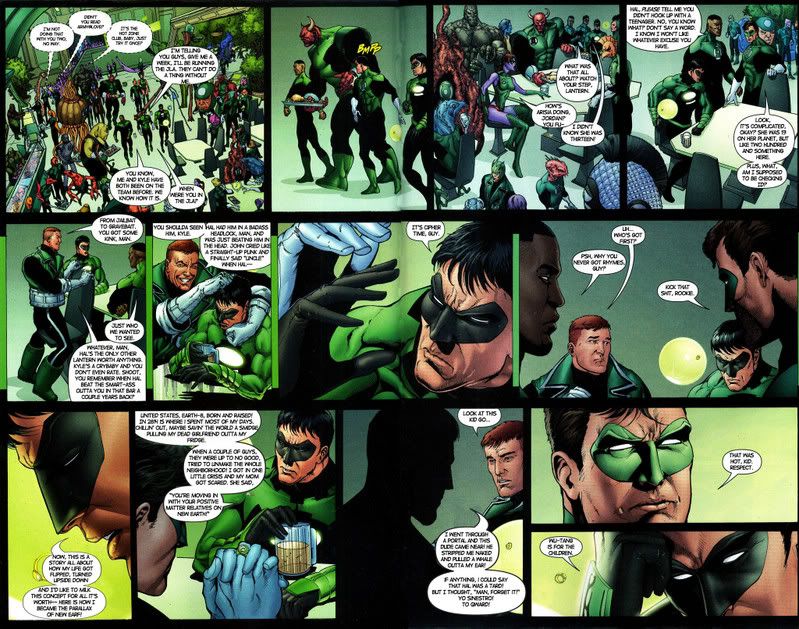
Wu-Tang Is For The Children.
Image

lswalker
Posts: 46
Joined: 04 Aug 2006 21:30
Location: NC

Post by lswalker » 29 Jul 2007 10:31


Post Reply

Who is online

Users browsing this forum: No registered users and 3 guests